
Every signage platform on the market is built for everyone — which means it is built for no one in particular. 123CMS is the opposite.
A customer-branded, data-sovereign content-management system that sits in front of your SpinetiX players and is shaped around your business, your flows, your branding and your design language. Your logo on every operator screen, your content on your servers, your domain in the address bar.
The engine underneath is identical for every customer — only the brand, palette, terminology and the modules on the console change.
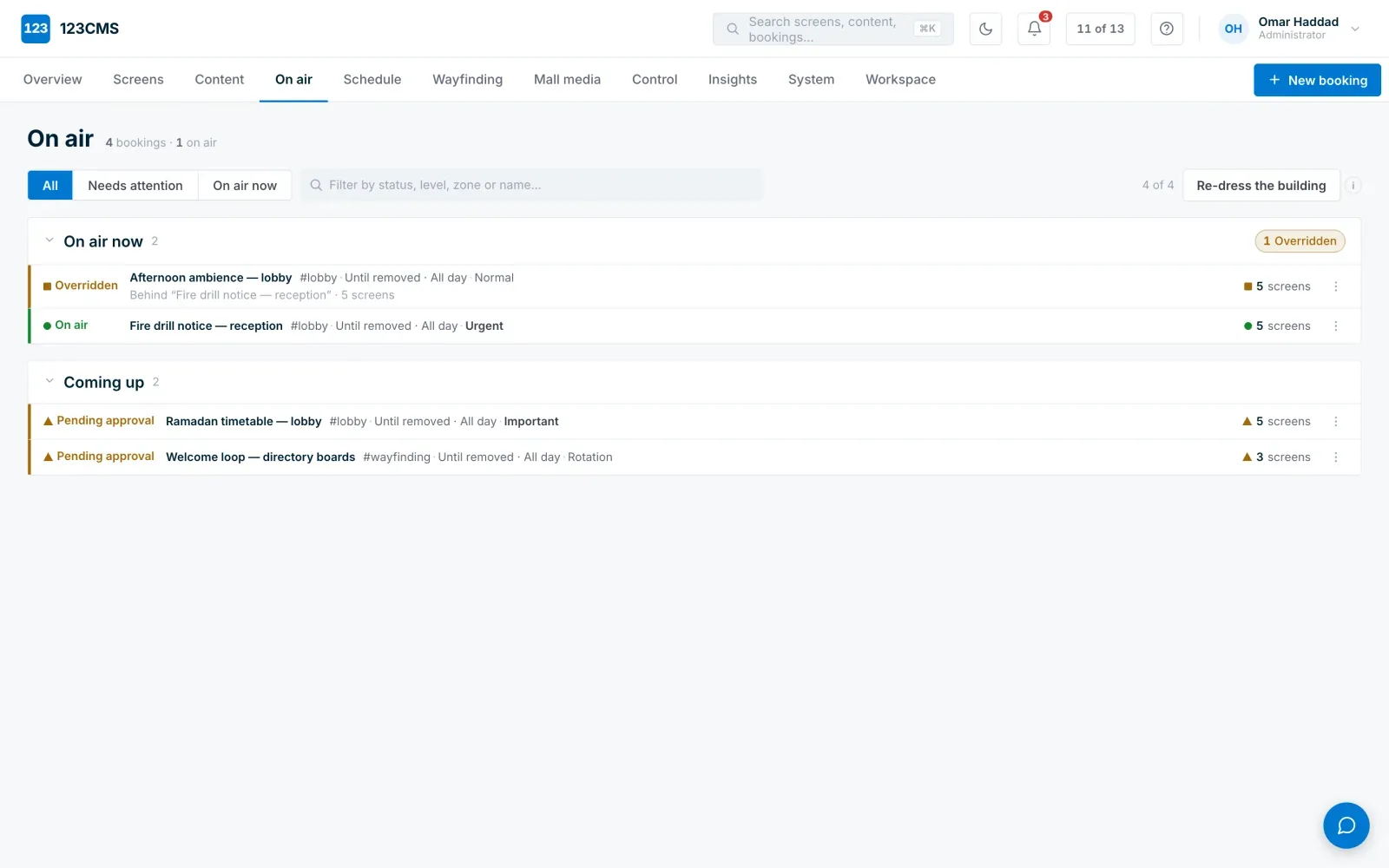
Week-view playout planner. Drag films and ads into a show, set per-clip duration and fade, target any player.
Drag-and-drop upload, tagging and in-browser preview. Live transcoding of any media.
Live inventory of every media player. Group players by site, zone or purpose.
Per-player live screenshot, online state, uptime and health alerts.
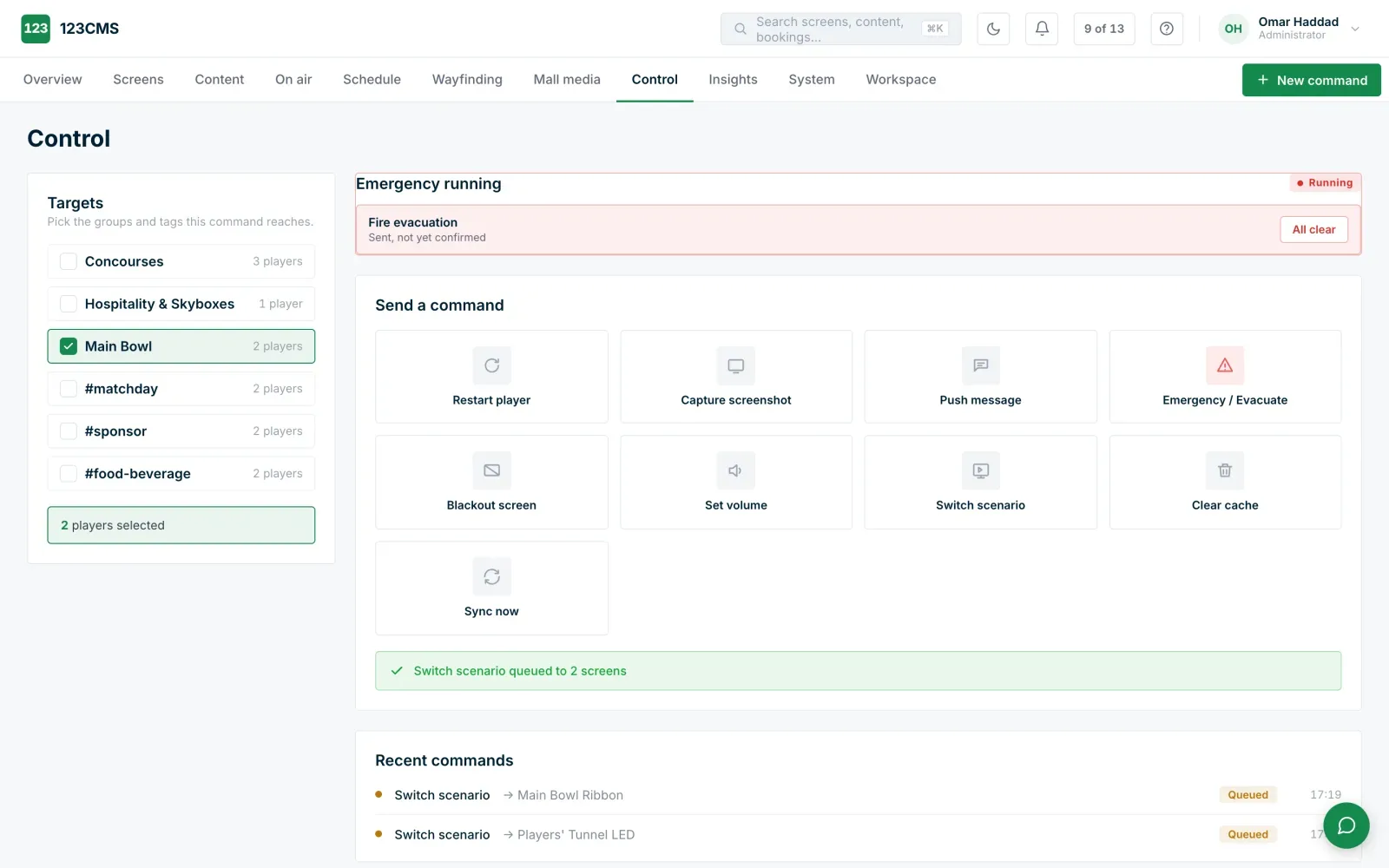
One-click emergency scenarios, pause / play / restart, standby and volume.
Every played item recorded, planned-versus-actual seconds. Proof-of-play, filterable by player, date and type.
Immutable who-did-what-when log of every change. The application cannot edit or delete entries.
Role-based access, customer-branded login, and built-in operator documentation.
Underneath every module is the same signage core: five priority levels with Emergency on top, scenarios already on the player before anyone needs them, and security you can check — an audit log the application cannot edit or delete. One console controls every screen you own, and every module below plugs into that same console: no separate systems, no separate logins.
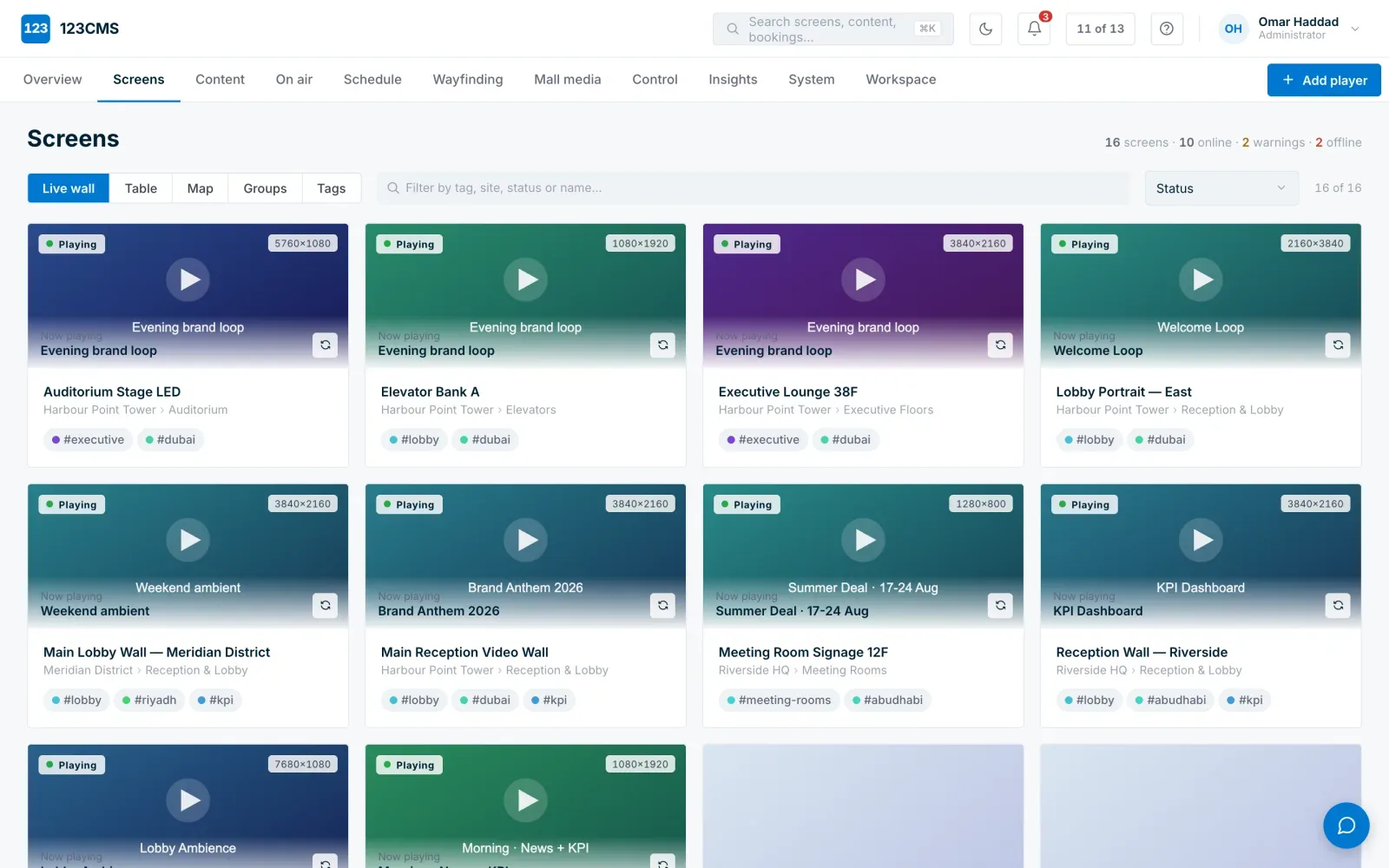
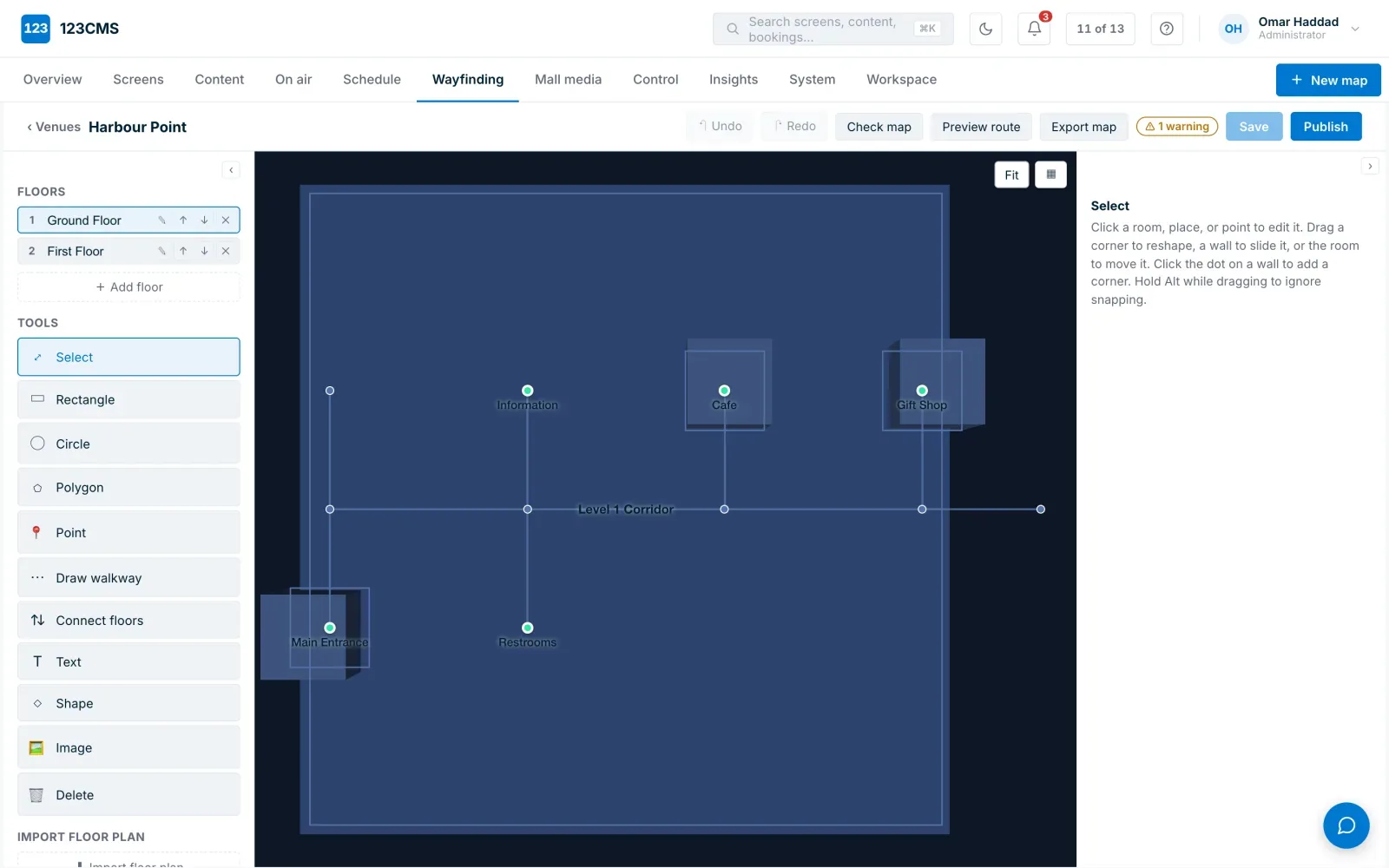
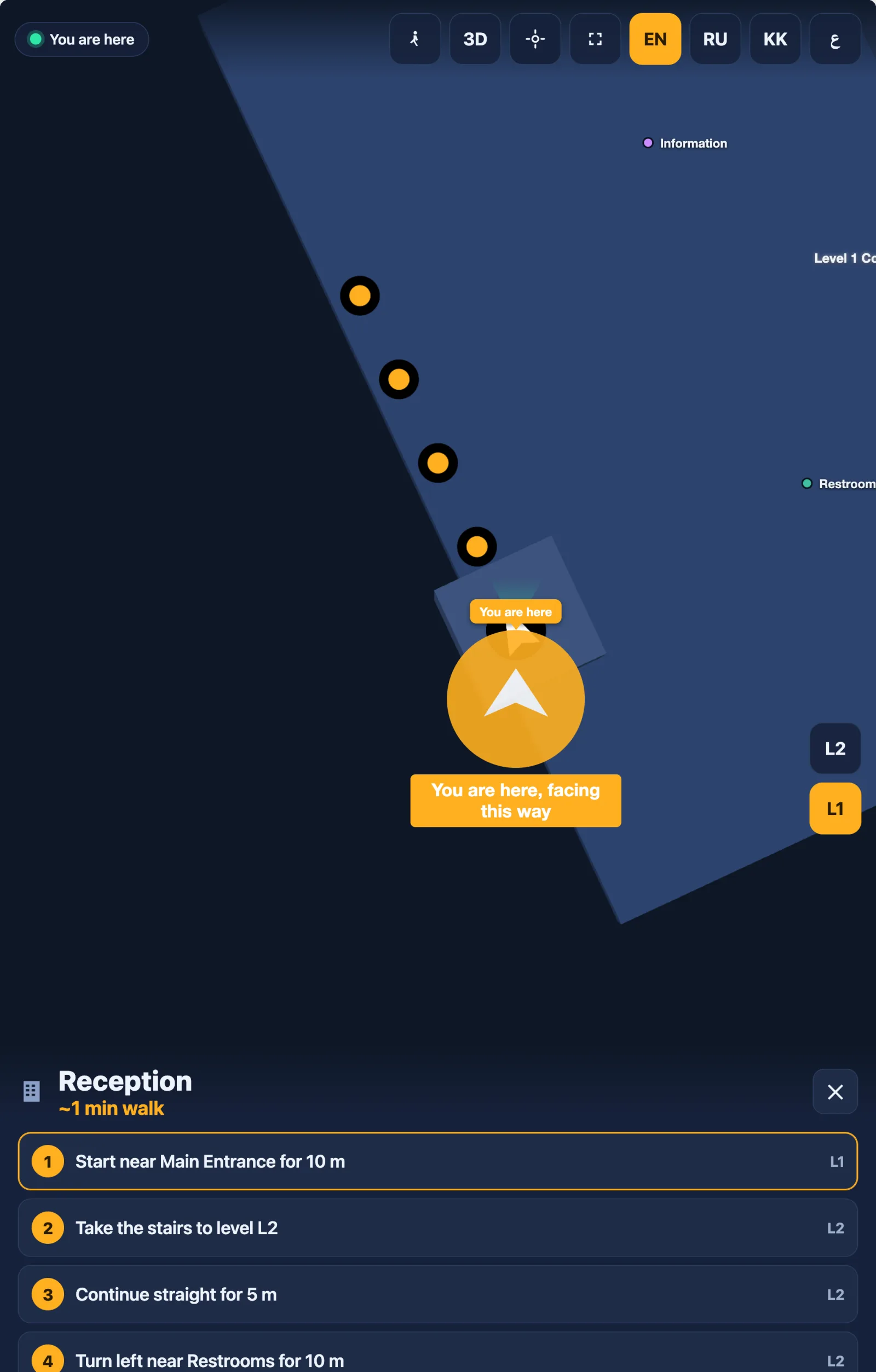
Build your own maps in the browser — no 3D-render contractor, and routing easy as 1-2-3.
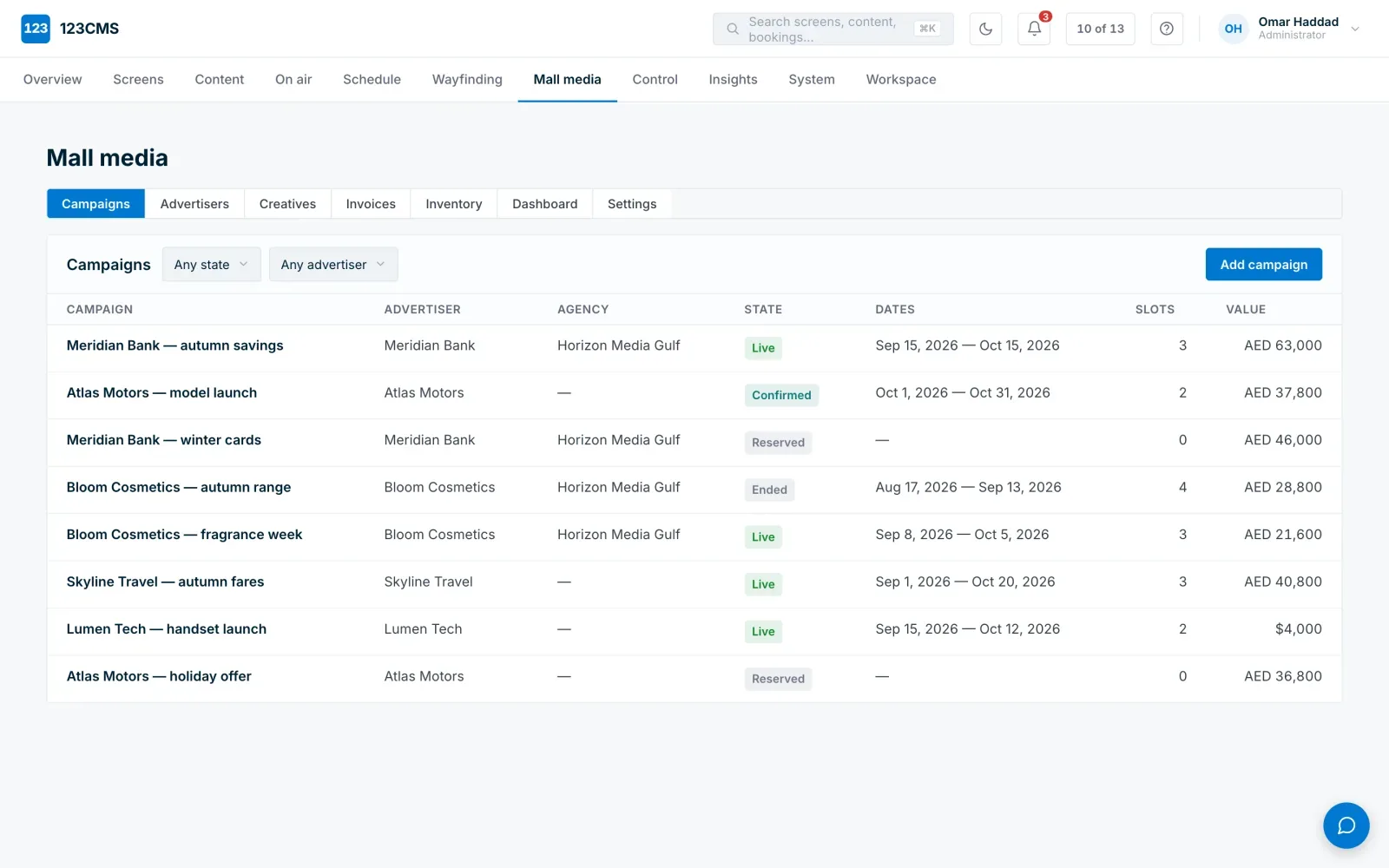
The system that plays the ads also sends the invoice.
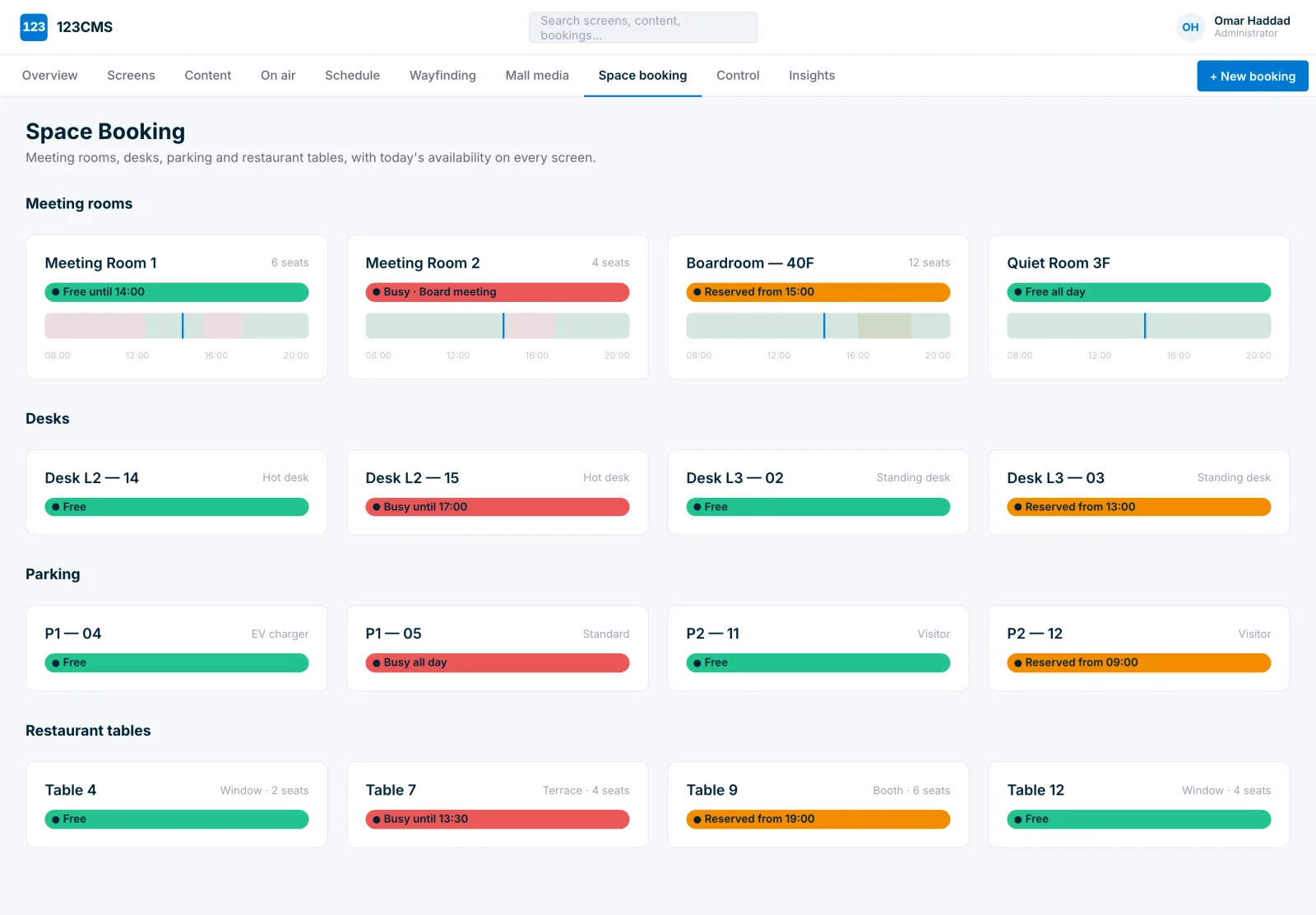
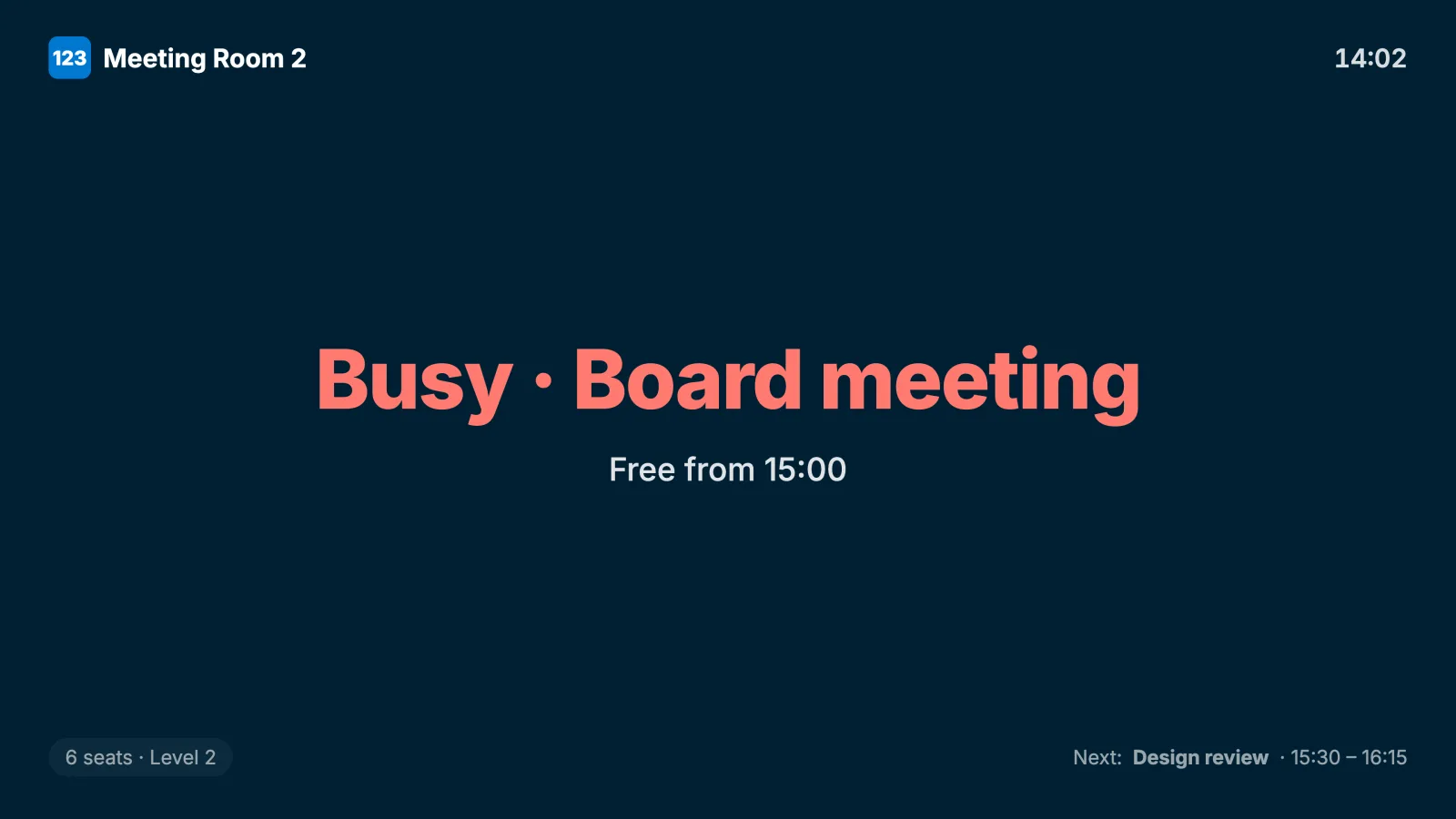
Meeting rooms show their status on a door screen; desks, parking and tables check in with a QR sticker — all from the same console.
The gate picks the scene, and the player already has it — every ticket gets its own screen.
The vendor ships a fixed product, and you learn it, adapt to it, and bend your operation around its menus. 123CMS reverses this — the product is shaped to your organisation before your operators ever log in.
| How it compares | ARYA | Elementi | 123CMS |
|---|---|---|---|
| Branding | SpinetiX | SpinetiX | Yours |
| Data location | Shared cloud | Your workstation | Cloud or your servers |
| Business shaping | No | Partly | Yes — five pillars |
For data-residency requirements such as keeping content inside the country, on-premises satisfies the rule while the system keeps improving.
We host it; maintenance is included. Nothing to run, always up to date.
Runs on your own servers; content never leaves your building.
We supply and install the server on your site.
Content automation is unlimited: data feeds, widgets, triggers, multi-zone layouts and the full jSignage content framework.
No Windows, no Android, no surplus attack surface — a purpose-built signage OS that has shipped zero CVEs since 2007. Elementi templates designed once and deployed automatically, with versioning, rollback and an A/B holding bay.
Licence and rollout pricing depends on the number of players, the deployment model and how much of the system is shaped around your processes. Every module is included in the licence — there is no extra fee per module.
Tell us about the project — we will prepare a quote and show the system running your scenarios.
We review each request and hand over demo access personally.
Request a demo, or log in to your own branded console.